


BELVO MCP
Connect your real bank, employment, and fiscal data to your AI assistant, then just ask about it. No spreadsheet to build and no cost to you.
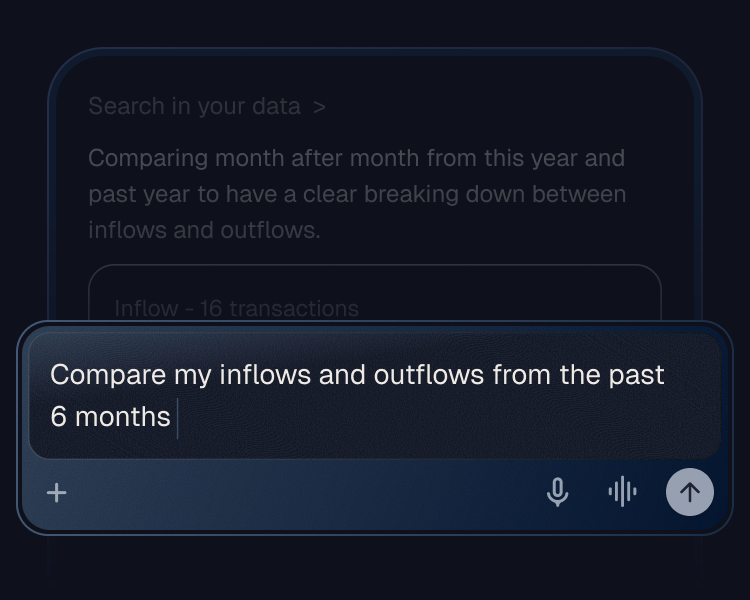
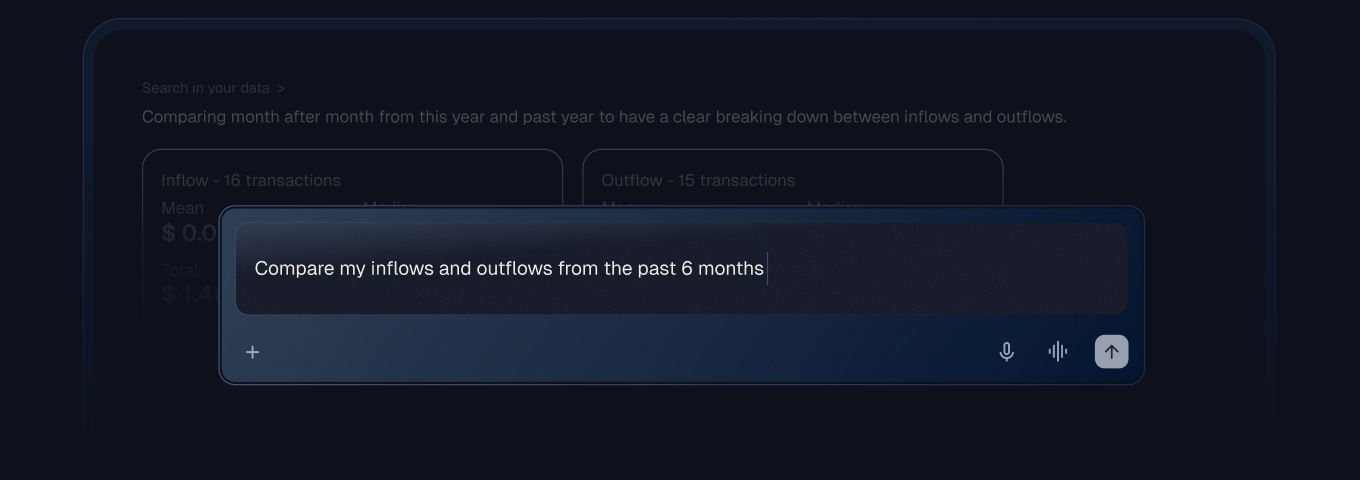
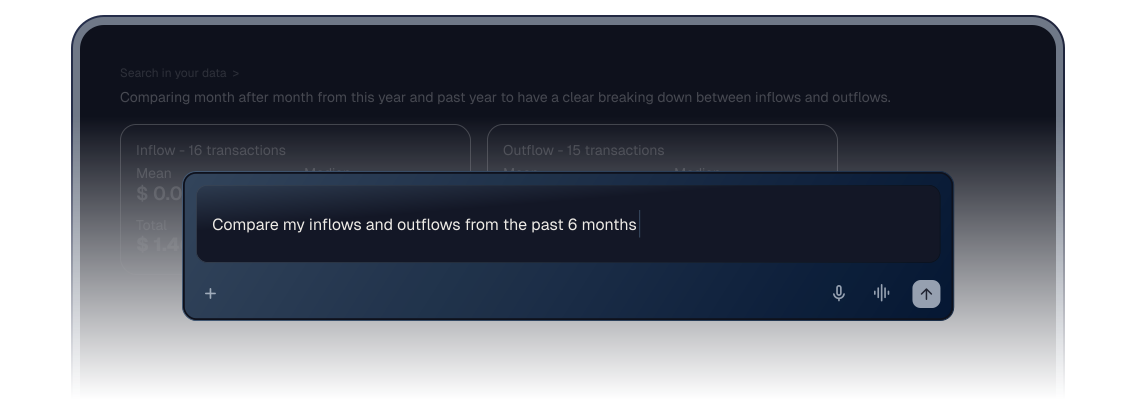
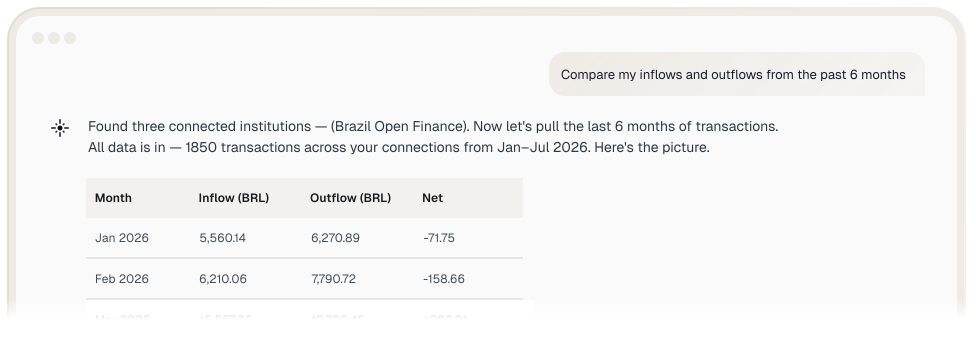
Connect your account, then ask your AI assistant whatever you want to know about your money.
No more piecing it together yourself.

Stop scrolling through months of transactions to find one number. Ask a question and get a straight answer in seconds.

Belvo looks across your accounts and history at once, so patterns show up that a single statement never reveals.

Know whether your income supports a big purchase, a loan, or a career change, before you commit to it.

Banking, employment, and fiscal records connect once and stay available to ask about anytime.
Belvo MCP is the open standard for connecting AI assistants to real financial data.
Connect once, then use it in Claude, ChatGPT, Gemini, or any other assistant that supports custom connectors.
You choose what to share. Nothing links to your assistant without your consent, and you can disconnect anytime.
available for Brasil and Mexico

Connect your bank accounts and track balances, expenses and investments in one place. The sharing occurs within the regulated channels of Open Finance, with its authorization.

Bring your INSS employment history and contributions for a clearer read on your income and stability.

View your official employment history, including your weeks of contribution and your base contribution salary.

Transform your SAT records —from your tax status certificate to your tax returns — into a clear overview of your financial activity.
How Belvo protects your account
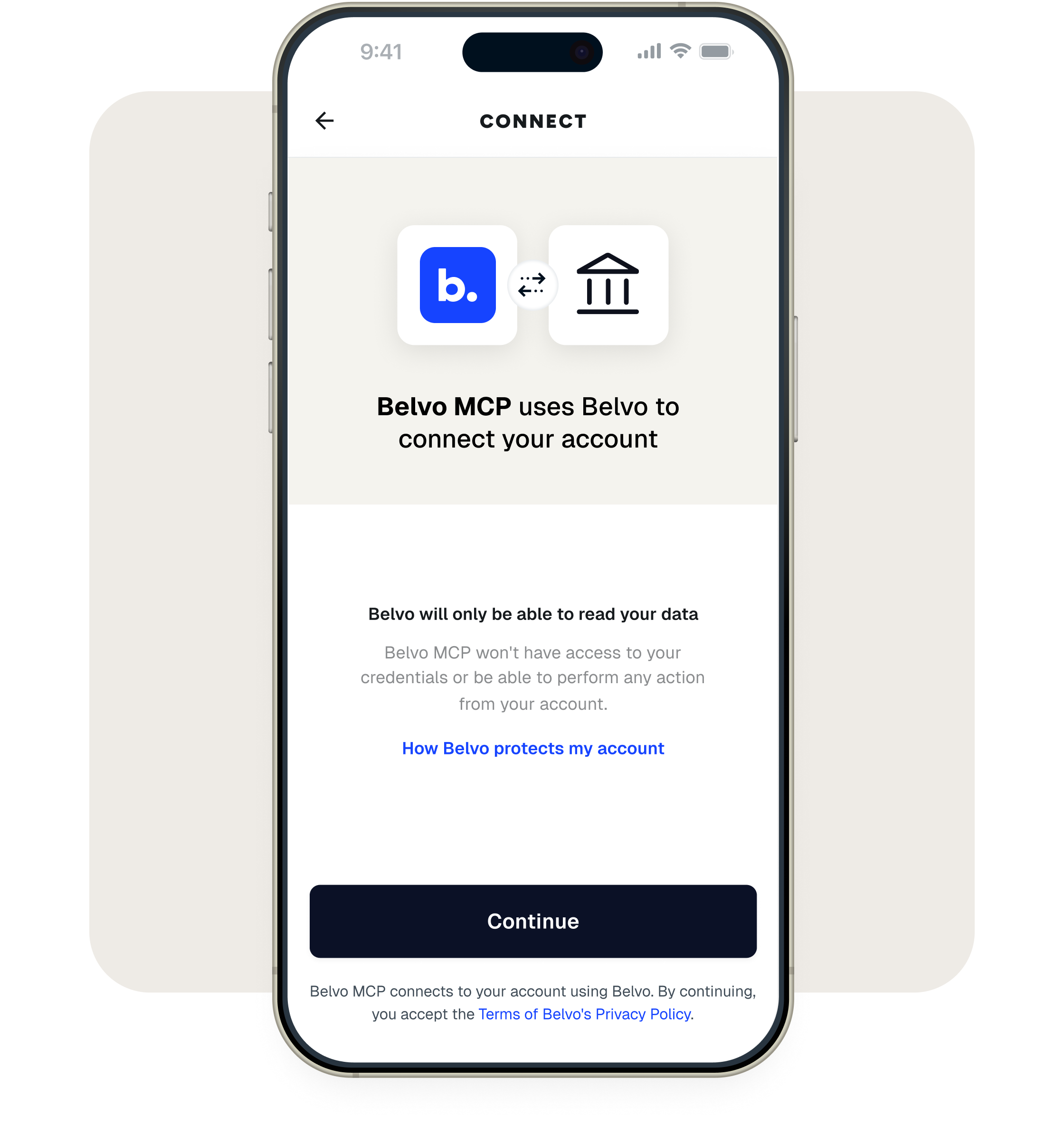
Belvo MCP only reads your data. It will never see your credentials and can't move money or take any action on your account. Disconnect anytime.
Belvo MCP allows you to connect your real financial accounts to your AI assistant, so you can ask questions about your money instead of digging through statements. It's a connector built by Belvo, the platform that already powers financial connections for banks and fintechs across Brazil and Mexico.
Connect the account you want through https://panorama.belvo.com/connect/, add Belvo MCP in your AI assistant by entering our MCP server URL: https://panorama-mcp.belvo.com/mcp, then start a new chat and ask away. The whole setup takes a few minutes, and there's nothing to install.
Yes. Belvo MCP is free to connect and use. You only need an account with an AI assistant that supports custom connectors.
Belvo MCP works with Claude, ChatGPT, Gemini, and any other assistant that supports custom connectors. You're not tied to one.
That depends on the assistant. Some support custom connectors on their free plans, others only on paid ones. Check your assistant's plan before you connect.
Belvo only reads your data, and it connects through the same regulated open finance channels that banks use. It never sees your login credentials and can't move money or take any action on your account. You stay in control of what's connected.
In Brazil, your bank accounts through Open Finance and your employment history. In Mexico, your Llave MX employment records and your SAT fiscal data. You choose what to connect, and you can connect more than one source.
Yes, anytime. When you disconnect an account, your AI assistant loses access to that data right away.